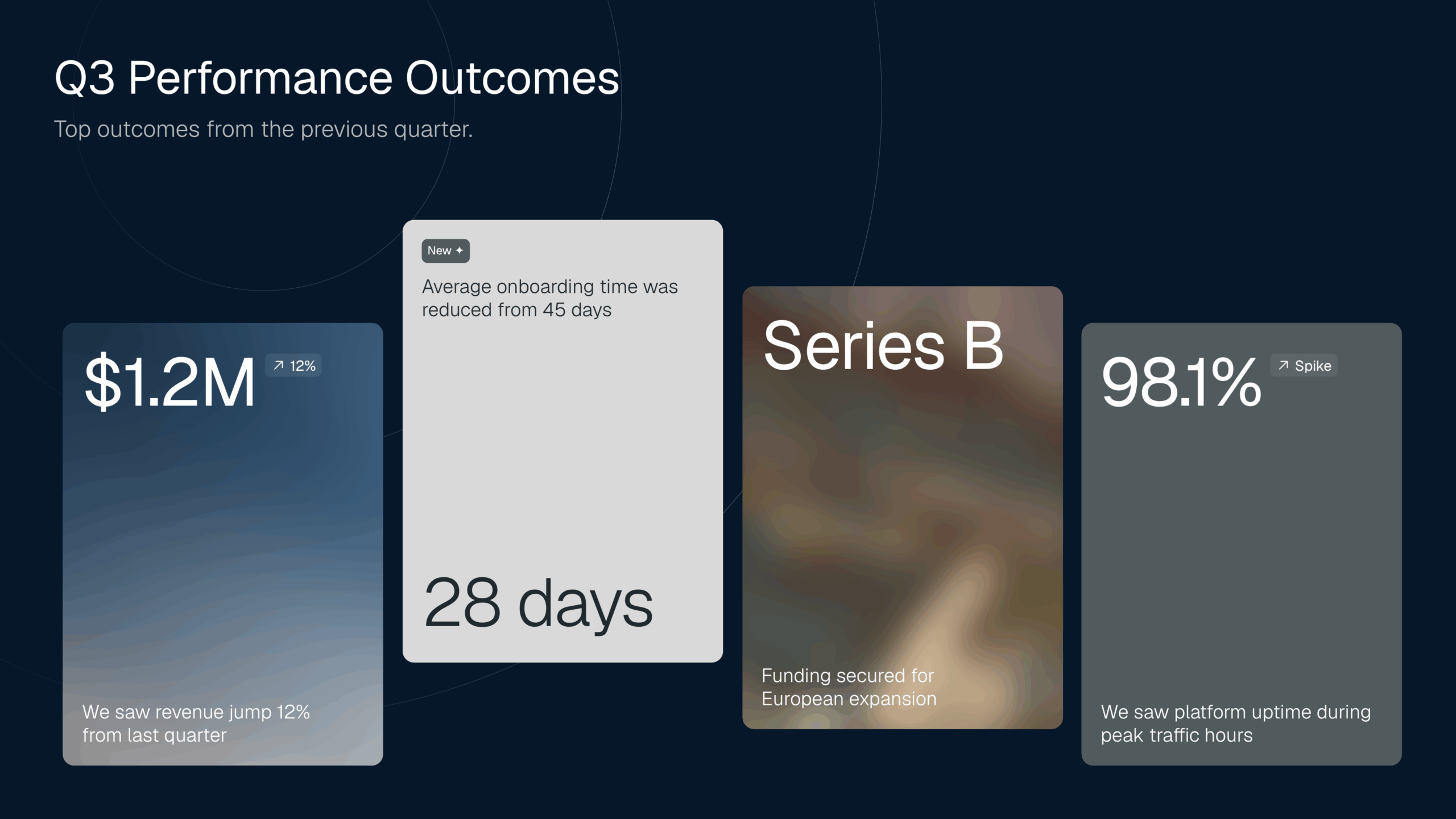
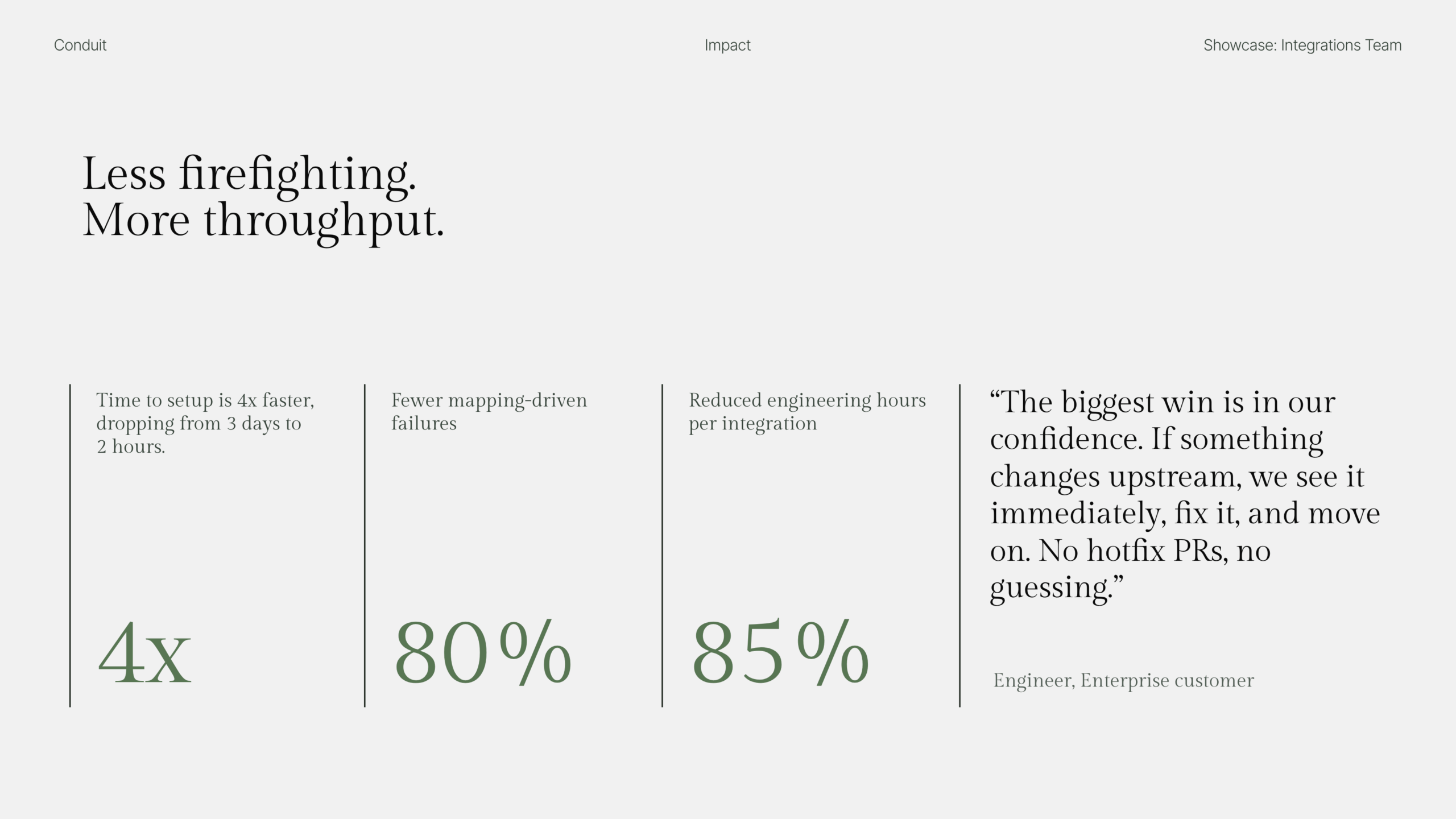
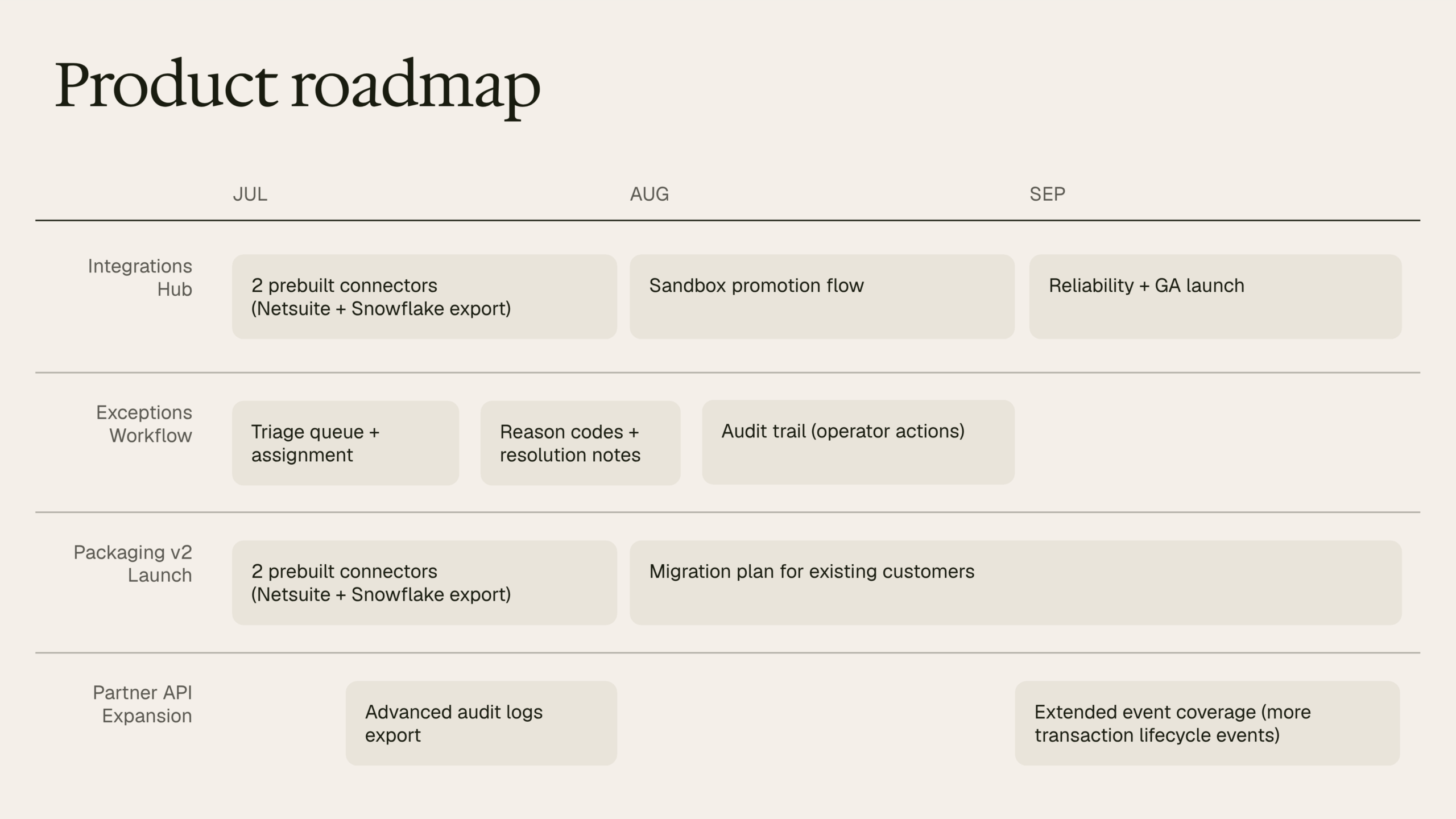
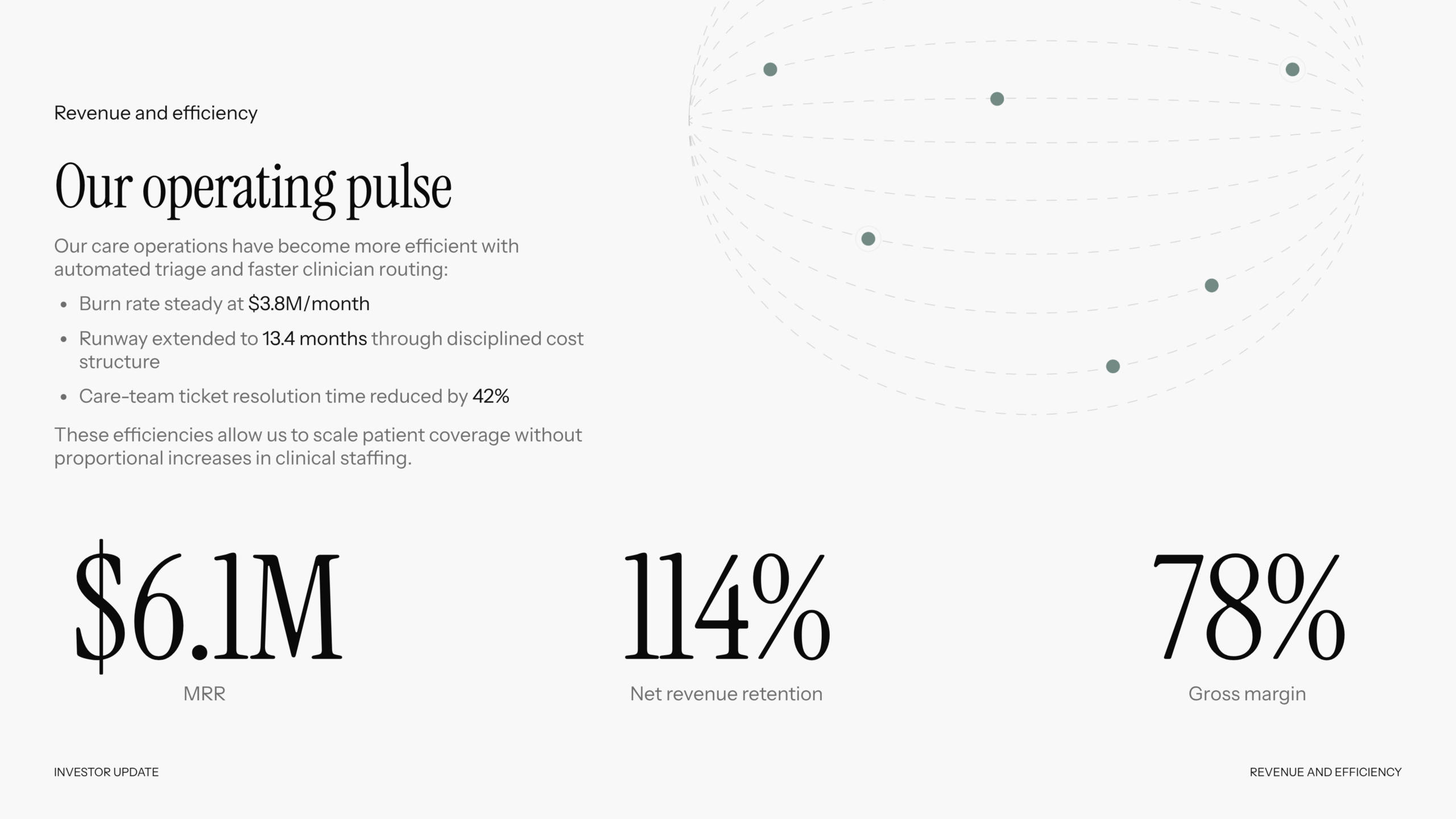

Powerful new ways to create with AI
Speed & structure
Great decks shouldn’t be limited to designers.
Nothing undermines credibility faster than mismatched slides.
How to Create a Presentation with AI in Seconds
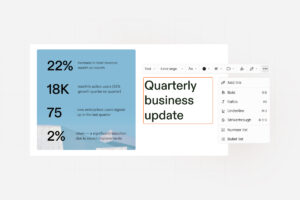
- Start With Your Ideas: Start with your raw thoughts and ideas. Chronicle works straight from what’s on your mind, from notes to concept sketches, so you don’t waste time polishing before you start.
- Pick A Template: Choose a template, paste in a rough outline, or import existing content. Whether it’s Google Docs, old slide decks, or background research, Chronicle transforms all of it into a cohesive, professional structure.
- Watch Your Story Come Alive: Watch Chronicle bring your story to life with well-crafted slides you can refine, share, and present. In seconds, Chronicle shapes rough notes into slides designed for clarity and impact.
- Save What Works: Save your own templates that your team can insert or use to generate content. Chronicle helps you create your team’s go-to formats so every deck stays on brand, every time.
Key Features of Chronicle’s AI Presentation Maker
We’re transforming how stories are told for millions of people.
Text-to-Slides Conversion
Go from rough notes to ready-to-present slides in seconds. Chronicle structures your ideas into a clear flow, designs the layout, and makes every slide feel intentional.

Pitch Deck & Business Templates
Win over investors with a clear, compelling story of your vision. Close deals faster with polished, persuasive proposals. Chronicle’s templates are built on proven frameworks; problem, solution, traction, ask; so your pitch delivers the story investors want to hear.
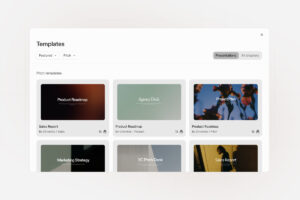
Brand Style Consistency
Add your logo, and switch up colors, fonts and backgrounds to match your style. Whether it’s sales, marketing, or product, every deck speaks in one clear voice. Consistency builds credibility. And Chronicle builds consistency in every deck.
Real-time Collaboration
Work together live with shared editing, cursors, and team workspaces. See edits as they happen, leave comments in context, and keep the whole team aligned. No version chaos.
Interactive Widgets & Motion Effects
Build polished outputs with widgets that come with pixel perfect design, interactivity and motion out of the box. From charts that animate to visuals that respond, Chronicle makes your story feel dynamic and easy to share.
Frequently asked questions
A tool that uses artificial intelligence to turn your ideas, notes, or documents into polished presentation slides automatically. Instead of spending hours on design and formatting, the AI structures your content into a clear narrative, applies consistent branding, and creates visually engaging slides. With features like text-to-slides conversion, ready-made templates, and real-time collaboration, it makes creating professional presentations faster and easier for anyone; no design skills required.
Yes. AI presentation makers like Chronicle are designed to produce professional-grade slides that meet business, academic, and creative standards. They use proven storytelling frameworks, apply consistent branding, and ensure polished design across every slide. While you can always customise layouts and content, the AI ensures the final output is clear, engaging, and ready to present; whether it’s for an investor pitch, a sales proposal, or a classroom lecture.
Yes. Every slide can be adjusted; content, layout, animations, and media are all in your control.
You can export as PDF or PowerPoint, or share a Chronicle link to track views and engagement.
Bring your Powerpoint file, Text, Markdown, Google Doc, Notion page and more. Chronicle will turn them into slides.
You can start for free with a limited number of slides. Upgrade to unlock templates, brand tools, and team collaboration.
Chronicle is loved by world-class founders, strategists, designers and teams.
- Entrepreneurs & startups: Create investor decks and product pitches that grab attention.
- Corporate teams: Build sales, marketing, and strategy decks without losing hours to design.
- Educators & students: Turn lessons, research, and assignments into clear, engaging stories.
- Agencies: Pitch clients and campaigns with presentations that stand out.
- Freelancers & consultants: Deliver polished reports and proposals fast.
No design skills required. Chronicle is built for anyone who wants to create impactful presentations effortlessly.
You keep full rights to your own material. Any stock elements follow their standard licenses.