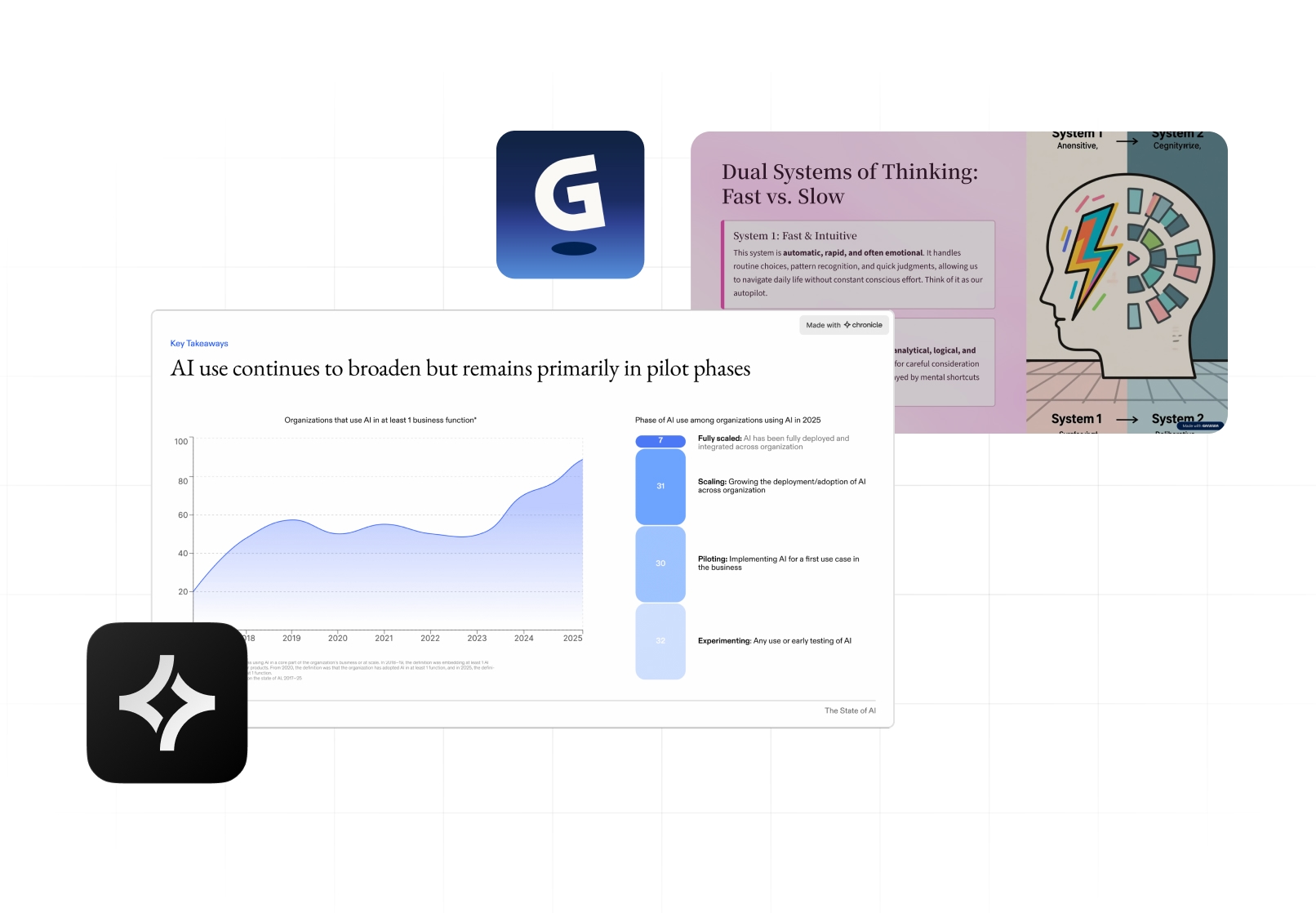
The Best Gamma AI Alternative for Business Presentations
Gamma has become one of the most popular AI presentation tools for quickly generating card-based decks from a prompt.
For companies, teams, and professionals working on business-critical presentations — board decks, investor updates, strategy reviews, client pitches — speed alone isn’t enough. You need presentations that hold up when shared, presented, and scrutinized.
Chronicle is built for that. A story-first, interactive presentation platform designed for polished, professional output not just fast drafts
In this guide, we compare Gamma AI vs Chronicle across:
-
Speed & workflow
-
Editing experience
-
Storytelling depth
-
Design control
-
Export reliability
-
Business and enterprise use cases
So you can choose the best AI presentation software for how you actually work.
Gamma AI vs Chronicle: At‑a‑Glance Comparison
Feature Breakdown: Chronicle vs Gamma AI
1. Presentation Format
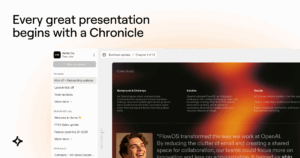
Chronicle uses a story-first canvas designed around how presentations are actually delivered — slides, flow, emphasis, and pacing.
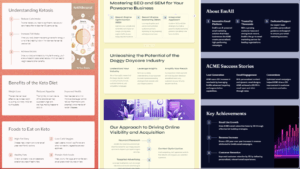
Gamma AI relies on card-based blocks that often need re-ordering, resizing, and manual hierarchy fixes to become presentation-ready.
2. AI Output Style
Chronicle’s AI focuses on:
-
Structuring information
-
Creating narrative flow
-
Applying visual hierarchy
So outputs feel intentional and usable immediately.
Gamma generates content quickly, but outputs often feel generic — requiring manual work to make them suitable for client or executive audiences.

3. Editing Experience
Chronicle combines:
-
AI-assisted structure
-
A visual editor built for presentation design
You can refine content, layout, and visuals without breaking flow.
Gamma’s editing often involves:
-
Resizing cards
-
Fixing spacing
-
Re-aligning layouts
-
Reworking visual hierarchy manually
4. Storytelling Depth
Chronicle is built for:
-
Strategy decks
-
Pitch decks
-
Executive updates
-
Sales narratives
It helps teams think through the story, not just generate slides.
Gamma is better suited for:
-
Informational content
-
Lightweight decks
-
Web-first layouts
5. Design & Visual Quality
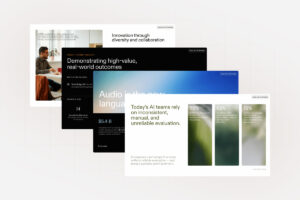
Chronicle outputs are built to look client-ready by default — balanced layouts, consistent spacing, and intentional visual hierarchy. They’re designed to be used in:
-
Boardrooms
-
Client meetings
-
Investor presentations
Gamma often requires additional manual work before decks feel presentation-ready.
How Gamma AI Works (Low quality, one-shot outputs)
Gamma typically follows this flow:
-
Enter a prompt or paste content
-
Generate card-based slides
-
Manually restructure layout
-
Adjust spacing and hierarchy
-
Redesign visuals
-
Fix alignment and formatting
-
Export and hope formatting holds
Gamma excels at speed, but teams often spend significant time turning drafts into usable decks.
How Chronicle Works (AI-Native Storytelling)
Chronicle is designed for end-to-end presentation creation:
-
Add content (text, PPT, PDF, doc, or link)
-
Chronicle generates a narrative structure
-
Slides populate with smart visual components
-
Customize layout and theme
-
Present live or export instantly
The result is faster from content to finished deck, with far less cleanup.

Anne T. Griffin
Product Leader
Pricing & Value: Chronicle vs Gamma
Gamma
-
Lower entry price
-
Optimized for individual use
-
Hidden cost: time spent fixing and redesigning
Chronicle
-
Built for professional output
-
Higher value per finished deck
-
Designed to reduce rework and iteration time
For teams producing frequent, high-stakes presentations, Chronicle delivers stronger long-term value.
Who Each Tool Is Really For
Gamma is best for:
-
Solo creators
-
Students
-
Early drafts
-
Lightweight content
Chronicle is built for:
-
Founders & startup teams
-
Consultants & freelancers
-
Agencies
-
Strategy, pitch, and sales teams
-
Educators delivering polished content
Why Professionals Switch from Gamma to Chronicle
Teams consistently cite:
-
Cleaner formatting
-
Stronger storytelling
-
Faster path to a finished deck
-
Reliable exports
-
Client-ready polish
-
Interactive presentations instead of static slides
Why Chronicle Is the Best Gamma AI Alternative
Chronicle was built for how modern teams actually present, not just how fast AI can generate slides.
-
Story-first presentation canvas
-
AI that helps think, structure, and design
-
Interactive presentations, not flat decks
-
Outputs that hold up in real-world meetings
If Gamma helps you start faster, Chronicle helps you finish better.