Prezi vs. Chronicle: Understand Why Chronicle Is the Better Alternative
Prezi helped popularize zoom-based, non-linear presentations. But for most modern teams, that format now creates friction: it’s harder to structure a clear business narrative, harder to collaborate at speed, and harder to produce consistent, brand-safe decks.
If you’re searching for Prezi competitors, comparing Prezi vs other presentation tools, or looking for presentation maker alternatives that work for real business decks — Chronicle is built for exactly that.
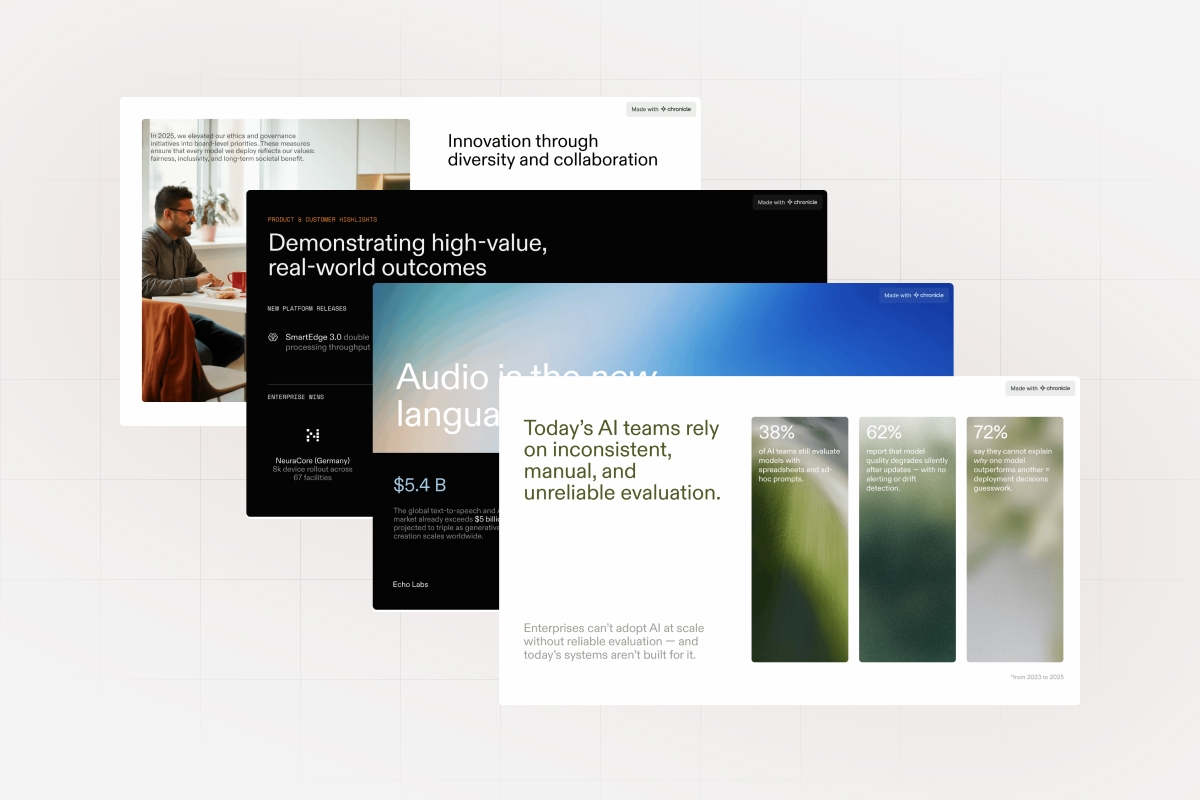
Chronicle is a new class of AI presentation tools designed for structured, business-ready storytelling: pitch decks, proposals, board updates, sales decks, and exec reporting. Instead of zoom paths, Chronicle prioritizes narrative flow, visual hierarchy, design quality by default, and exports that hold up in the real world.
Quick Verdict
-
Choose Prezi if you specifically want zoom-based motion storytelling for education or live speaking.
-
Choose Chronicle if you need best presentation software for business: structured decks, team workflows, AI-generated layouts, and brand consistency.
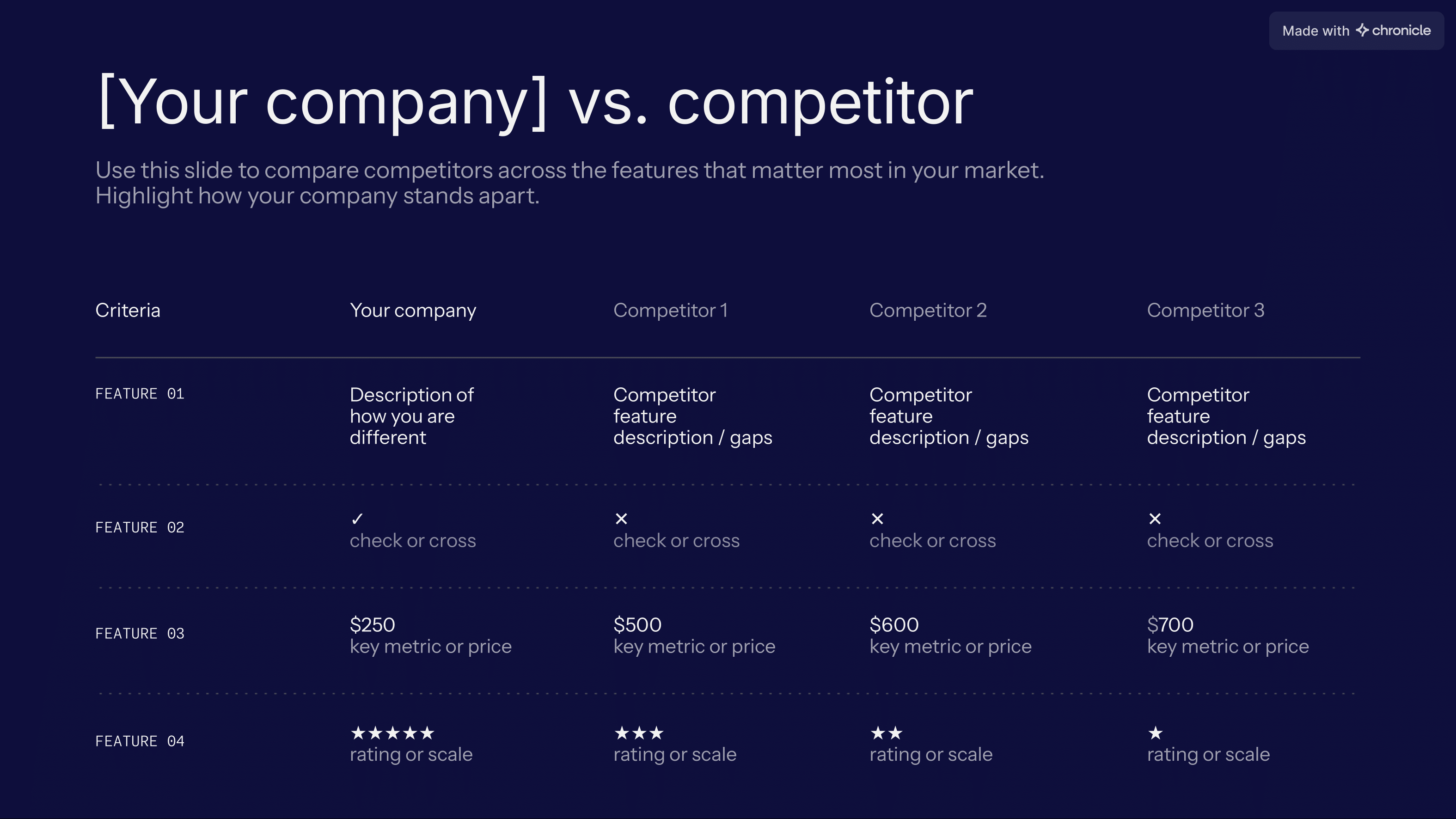
Feature Breakdown: Prezi vs Chronicle
1) AI Design Approach
Prezi: Limited AI support. You still do the hard work: structuring the story, building layouts, and making the deck feel coherent.
Chronicle: AI is used for structure — not just styling. Chronicle turns raw notes, docs, or links into a slide narrative with hierarchy, layouts, and visual logic already applied. This is what separates Chronicle from many AI presentation tools that mainly re-skin templates.
2) Business Presentation Focus
Prezi: Strong for visual storytelling, but weaker for dense, structured business content (strategy, metrics, financial updates, stakeholder reviews).
Chronicle: Built for business decks that need to be taken seriously: pitches, client proposals, reports, board decks, product strategy, and operating reviews.
3) Template Orientation
Prezi: Templates are relatively limited and often tied to the zoom-path experience. This can restrict layout flexibility when the content doesn’t match the motion structure.
Chronicle: Uses flexible building blocks and modern layouts designed for clarity. You get consistent, professional structure without feeling “templated.”
4) Branding & Theme Controls
Prezi: Basic theme controls. Keeping branding consistent across decks (especially across a team) typically requires manual cleanup.
Chronicle: Brand-safe styling is the default. Themes, typography, and layout rules stay consistent across decks — especially useful for teams producing decks frequently.
5) Editing Experience
Prezi: Editing is centered around a non-linear canvas. Powerful for certain storytelling styles, but slower and less intuitive for typical “slide deck” work.
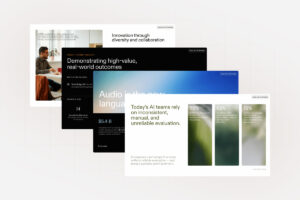
Chronicle: Editing is fast and deliberate. You can edit directly on the canvas or instruct the AI to revise content, adjust layouts, reformat slides, and improve structure.
6) Learning Curve
Prezi: Higher learning curve if you’re used to PowerPoint/Slides-style workflows.
Chronicle: Low learning curve for anyone who already builds business decks.
7) Ideal Audience
Prezi: Educators, presenters, speakers, and teams who want cinematic motion.
Chronicle: Founders, consultants, sales teams, operators, leadership teams — anyone who needs business-ready decks quickly, without sacrificing polish.
Common Prezi Downsides (Why People Search Prezi Competitors)
People typically switch to presentation maker alternatives when they hit these issues:
-
It’s not intuitive if you’re used to traditional slide decks
-
Limited template options for modern business formats
-
Integrations can feel outdated or clunky compared to newer tools
-
Collaboration isn’t as smooth as modern team-first platforms
-
Pricing feels steep relative to what many teams actually need
Top Reasons to Choose Chronicle Over Prezi
1) Structured Business Decks (No Motion Gimmicks)
Chronicle is optimized for clarity and credibility. It’s designed to produce decks that perform well in real business settings: pitch rooms, board updates, client work, exec meetings.
If your goal is “make this look impressive and easy to follow,” Chronicle is the better fit.

2) AI-Native Slide Generation (Structure, Not Just Styling)
Most AI presentation tools can generate something that looks “fine.” Chronicle goes further by producing a deck that’s actually usable — with a coherent narrative flow and layout decisions that make sense for business content.
Generate from:
-
notes and outlines
-
documents
-
links
-
imported content
…and get a structured draft you can actually build on.
3) Team-Friendly Workflow (Repeatable, On-Brand Outputs)
Chronicle is built for repeatable systems: shared workspaces, collaboration, and brand consistency so the output doesn’t depend on who made the deck.
This is what many teams mean when they’re searching for the best presentation software: it’s not about fancy effects — it’s about reliability.
Why Chronicle Is the Better Prezi Alternative
Prezi optimizes for visual movement.
Chronicle optimizes for outcomes:
-
clear narrative structure
-
professional polish by default
-
team-friendly collaboration
-
exports that hold up in PPT/PDF/share links
-
interactive elements without forced zoom paths
If you’re comparing Prezi vs other presentation tools, Chronicle is the better alternative when the presentation needs to persuade, align, or close a decision — not just entertain.
Final Verdict
If you’re evaluating Prezi competitors, the key question is: do you need zoom-based motion — or do you need presentations that consistently land in serious business settings?
For most teams choosing the best presentation software today, Chronicle wins because it’s faster, clearer, more collaborative, and built for business-grade storytelling — with AI that helps you structure the deck, not just decorate it.
FAQs
Looking for a Prezi alternative built for modern business presentations? Compare Prezi vs Chronicle on AI design, storytelling, collaboration, exports, and flexibility.
Yes — especially if you’re looking for presentation maker alternatives for business decks. Chronicle is designed for structured storytelling, professional polish, and team workflows.
Google Slides is a common free option. But if you’re specifically looking for AI presentation tools, Chronicle provides far more leverage once you care about structured, high-quality output.
Chronicle is easier for anyone used to PowerPoint/Google Slides-style workflows, with the added benefit of AI-assisted structure.